10 Essential Tips for Optimizing Your Google Ads Campaign

Google Ads is a powerful tool for businesses looking to reach their target audience effectively and efficiently. However, simply setting up a campaign is not enough to ensure success. You must continually optimize your campaigns to maximize ROI (ROI) and achieve your marketing goals. Here are ten essential tips for optimizing your Google Ads campaign.
1. Set Clear Goals
Before diving into the optimization process, it's crucial to establish clear and measurable goals for your campaign. Are you looking to increase website traffic, generate leads, or boost sales? Defining your objectives will guide your optimization efforts and help you assess the effectiveness of your strategies. Use metrics such as click-through rates (CTR), conversion rates, and cost-per-acquisition (CPA) to evaluate your progress.
2. Conduct Thorough Keyword Research
Keywords are the foundation of any successful Google Ads campaign. Conducting thorough keyword research helps you identify the terms and phrases that potential customers use to search for products or services like yours. Use tools like Google Keyword Planner to find relevant keywords with high search volume and low competition. Additionally, consider incorporating long-tail keywords, which are often less competitive and can lead to higher conversion rates.
3. Optimize Ad Copy
Your ad copy plays a significant role in attracting clicks and driving conversions. Create compelling headlines and descriptions that convey the benefits of your product or service. Use strong calls-to-action (CTAs) that encourage users to take action, such as "Shop Now," "Sign Up Today," or "Get a Free Quote." A/B testing different ad variations can help determine which copy resonates best with your audience.
4. Utilize Ad Extensions
Ad extensions enhance your ads by providing additional information and options for potential customers. They can improve visibility and increase CTR by making your ads more informative and engaging. Consider using extensions such as:
- Sitelink Extensions: Direct users to specific pages on your website.
- Call Extensions: Allow users to call your business directly from the ad.
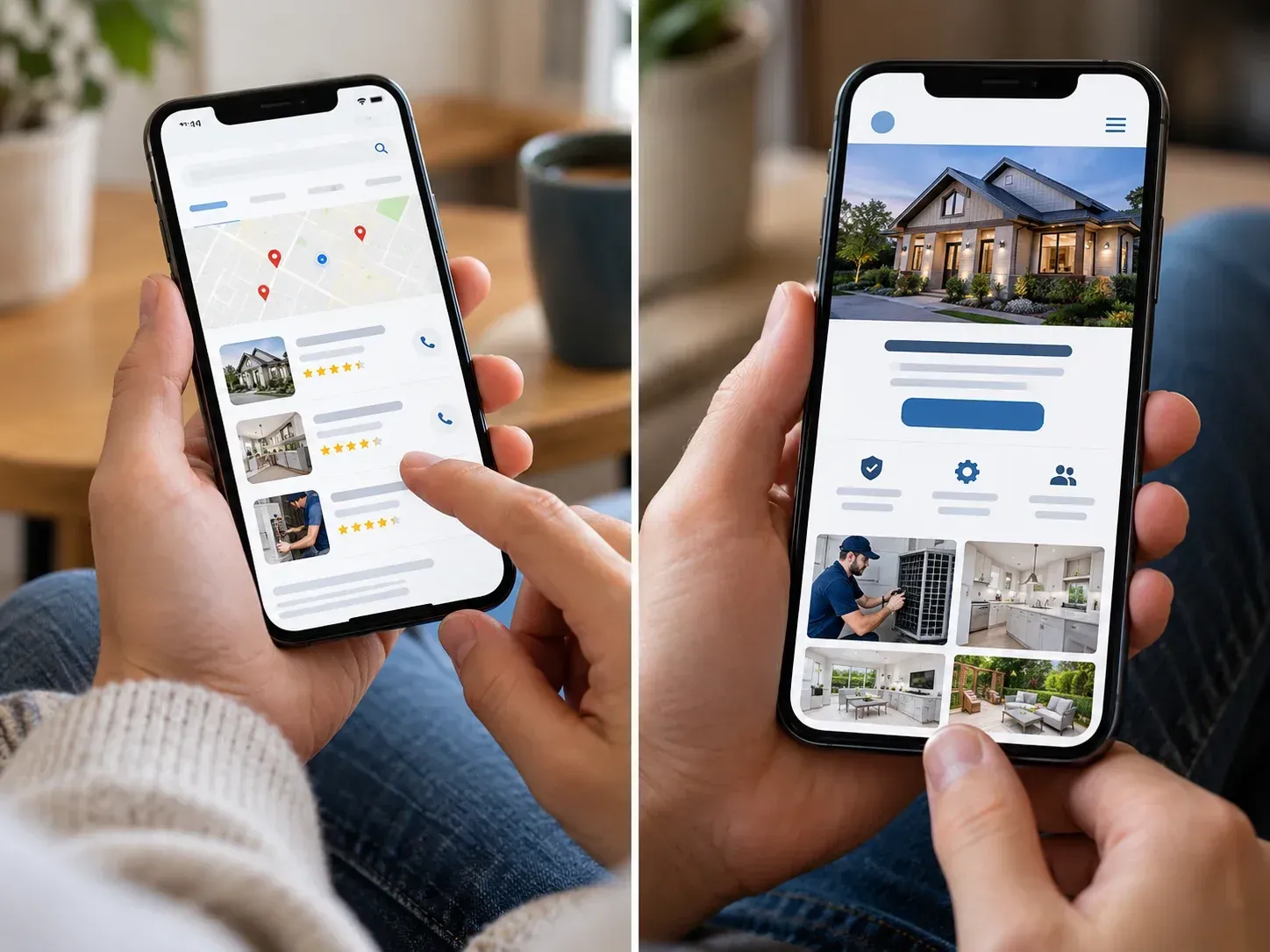
- Location Extensions: Show your business address and help users find you easily.
- Review Extensions: Highlight positive reviews from reputable sources.
By leveraging these extensions, you can provide more value to users and improve the performance of your ads.
5. Optimize Landing Pages
The landing page experience is critical for converting clicks into customers. Ensure your landing pages are relevant to your campaigns' ad copy and keywords. The page should load quickly, be mobile-friendly, and have a clear layout guiding users toward action. Include strong CTAs, relevant images, and customer testimonials to build trust and encourage conversions.
6. Implement Conversion Tracking
Implementing conversion tracking is essential to understanding the effectiveness of your campaigns. This allows you to measure actions taken by users after clicking on your ads, such as purchases, sign-ups, or downloads. By analyzing this data, you can identify which ads drive conversions and which may need adjustments. Google Ads offers various tracking options, including website conversions, phone call tracking, and app installs.
7. Regularly Review Performance Metrics
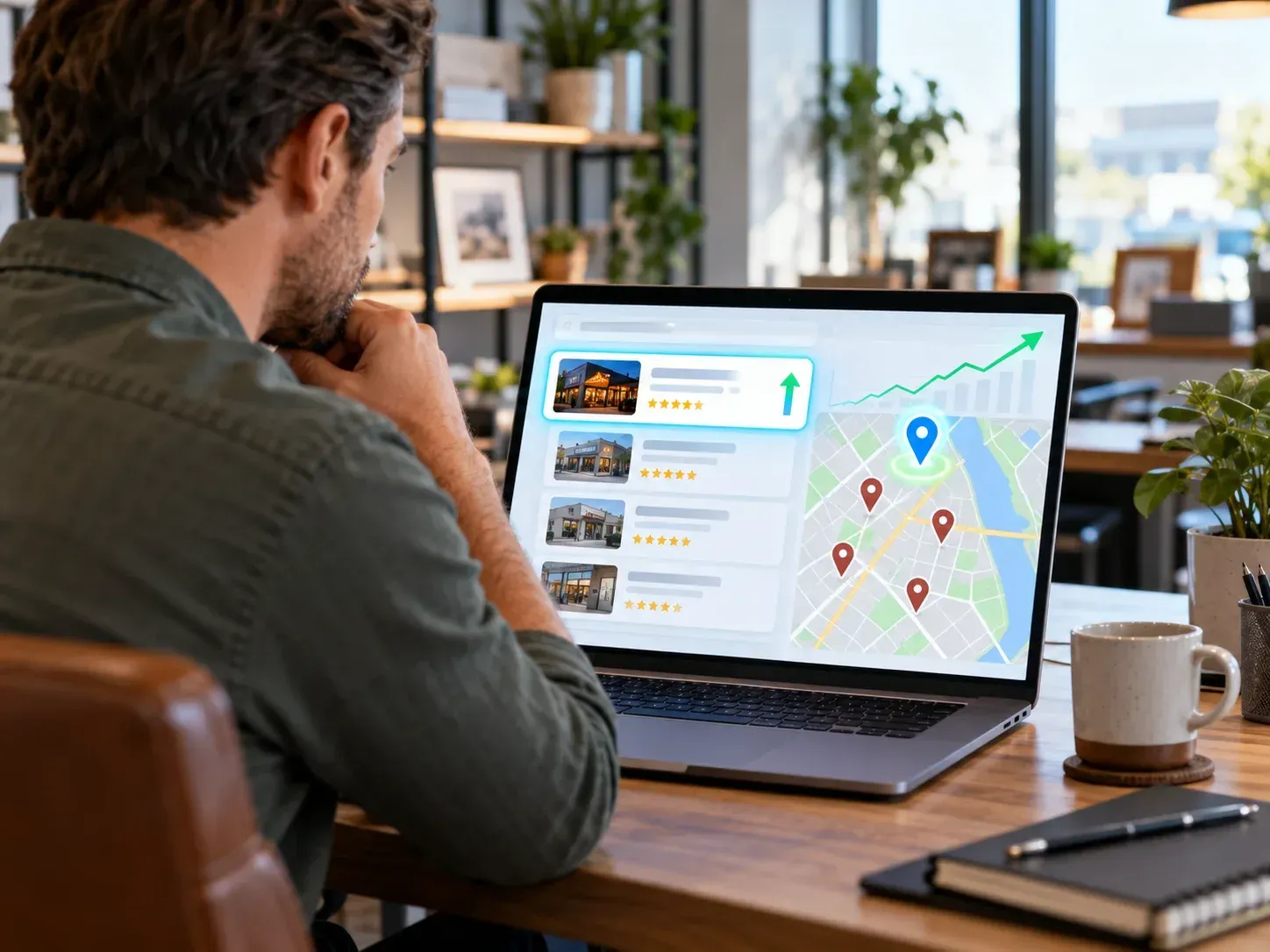
Monitoring performance metrics is crucial for ongoing optimization efforts. Review key metrics such as CTR, conversion rate, CPA, and return on ad spend (ROAS) regularly. Identify trends and patterns in the data that can inform your optimization strategies. For instance, if specific keywords are underperforming or have high CPAs, consider pausing them or adjusting bids.
8. Adjust Bidding Strategies
Bidding strategies play a significant role in determining how much you pay for clicks on your ads. Experiment with different bidding strategies based on your campaign goals:
- Manual CPC: Gives you control over individual keyword bids.
- Enhanced CPC: Automatically adjust bids based on the likelihood of conversion.
- Target CPA: Sets bids to achieve a specific CPA.
- Maximize Conversions: Focuses on getting as many conversions as possible within your budget.
Regularly reviewing and adjusting your bidding strategy can help improve campaign performance.
9. Use Negative Keywords
Negative keywords prevent your ads from appearing for irrelevant searches that are unlikely to convert. Adding negative keywords to your campaigns can refine targeting and reduce wasted ad spend. For example, if you sell premium products, adding terms like "cheap" or "discount" as negative keywords can help filter out low-quality traffic.
10. Leverage Remarketing Campaigns
Remarketing campaigns allow you to target users who have previously interacted with your website but did not convert. By showing tailored ads to these users across the web or social media platforms, you can remind them of their interest in your products or services and encourage them to return and complete their purchase.
The Importance of Hiring a Professional Marketing Agency
While implementing these optimization tips can significantly improve the performance of your Google Ads campaigns, navigating the complexities of digital advertising can be challenging—especially for businesses without dedicated marketing teams. Here's why hiring a professional marketing agency may be beneficial:
Expertise in Strategy Development
Professional marketing agencies have extensive experience developing effective advertising strategies tailored to business goals. They stay updated on industry trends and best practices, ensuring your campaigns compete in an ever-evolving digital landscape.
Time Efficiency
Managing Google Ads campaigns requires continuous monitoring, analysis, and adjustments—tasks that can be time-consuming for business owners juggling multiple responsibilities. A marketing agency can handle these tasks efficiently, allowing you to focus on core business operations.
Access to Advanced Tools
Agencies often have access to advanced analytics tools and resources to provide deeper insights into campaign performance than standard Google Ads features alone. This enables them to make data-driven decisions that optimize ROI effectively.
Improved Campaign Performance
With their expertise in PPC advertising, marketing agencies can implement best practices that improve campaign performance over time. They can also identify growth opportunities that may be overlooked by those less experienced in digital advertising.
Cost-Effectiveness
While hiring an agency involves an upfront investment, the potential return on investment often outweighs the costs associated with managing campaigns in-house—especially when considering the expertise they bring in optimizing ad spending effectively.
Optimizing your Google Ads campaign is essential for maximizing ROI and achieving marketing objectives in today's competitive digital landscape.
Implementing these ten important tips—from setting clear goals and conducting thorough keyword research to leveraging remarketing campaigns—can significantly enhance the effectiveness of your advertising efforts. However, if navigating this complex landscape feels overwhelming or time-consuming, consider partnering with a professional marketing agency that can provide expertise and support throughout the optimization process for sustained success in digital advertising.
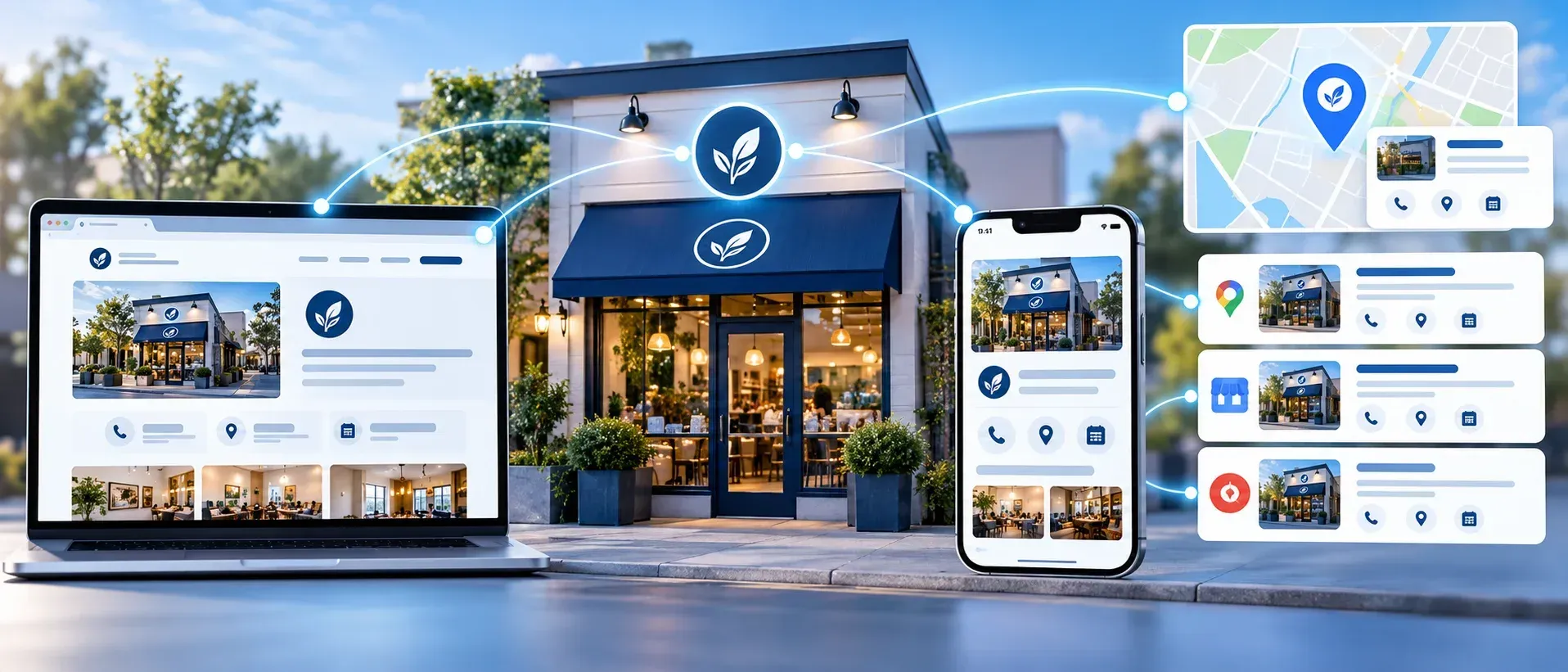
Check out our ways of managing Google Business Profiles, Websites, and help with Google Ads
Ready to work with My Agency Site?
Let's connect! We’re here to help.
Send us a message and we’ll be in touch.
Or give us a call today at 111-222-3333
Agency Contact Form
More Marketing Tips, Tricks & Tools