How Internal Linking Helps Local Business Websites Rank and Generate More Leads
You may have great service pages, helpful blog posts, and strong local content on your website. But if those pages are not connected, both Google and potential customers may have a harder time finding them.
That is where internal linking comes in.
Internal links are links that connect one page of your website to another page on the same website. For example, a roofing blog might link to a roof repair service page. A digital marketing article might link to a local SEO service page.
It sounds simple, but internal linking can play an important role in both SEO and website conversions.
A strong internal linking strategy helps search engines understand your website while giving visitors an easier path toward the information they need. For a local business, that can mean better visibility, more engaged visitors, and more opportunities to turn website traffic into leads.
1. What Is Internal Linking and Why Does It Matter?
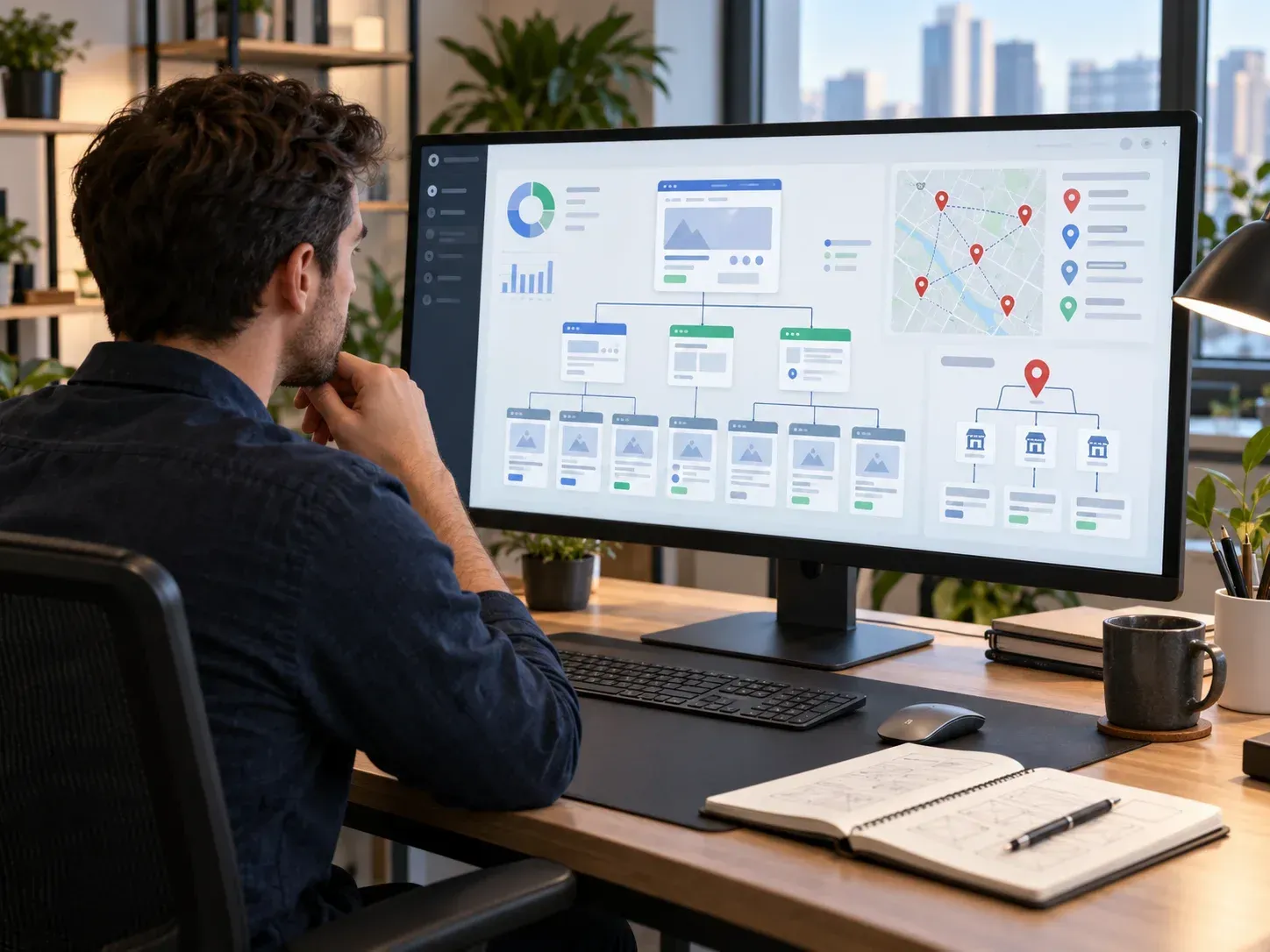
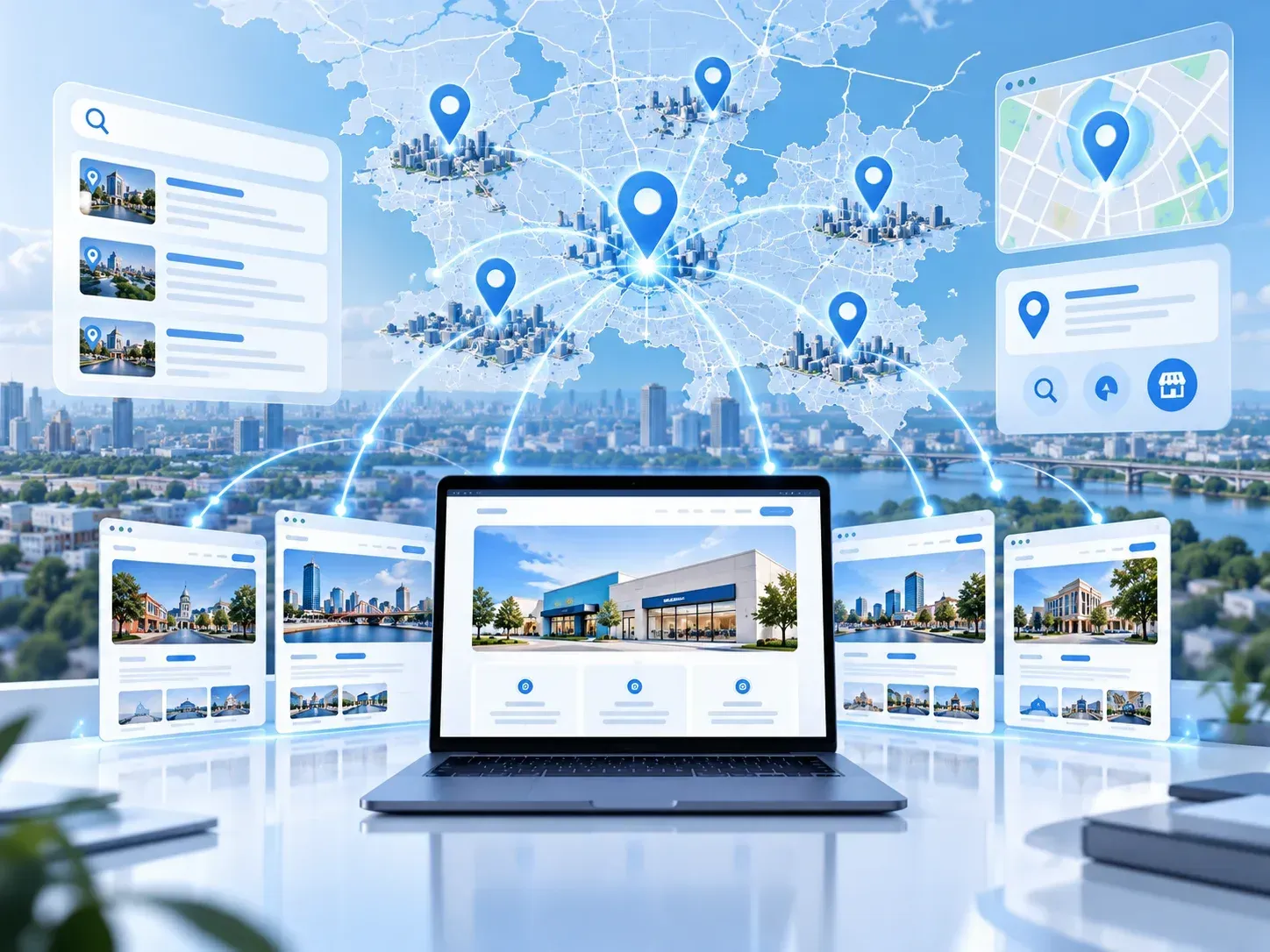
Think of your website like a map.
Every important page is a destination. Internal links are the roads connecting those destinations.
Without enough roads, some pages can become difficult to reach. Visitors may never discover them, and search engines may have a harder time understanding how those pages fit into the rest of your website.
For example, imagine an auto glass company publishes an article explaining the signs of a damaged windshield. Within that article, it could naturally link to its windshield repair page.
Someone reading the article now has an easy next step.
Instead of going back to Google and searching for another company, the visitor can learn about the service immediately.
Internal linking can help:
- Connect related website content
- Guide visitors toward important service pages
- Help search engines discover pages
- Show relationships between topics
- Make websites easier to navigate
- Encourage visitors to explore more content
- Create natural paths toward contacting the business
Good internal linking should feel helpful, not forced.
Every link should have a reason for being there.
2. Internal Links Help Google Understand Your Website
Search engines need to understand what your website is about and how different pages relate to each other. Internal links provide useful signals.
Suppose your business offers local SEO, web development, Google Ads, and Google Business Profile management.
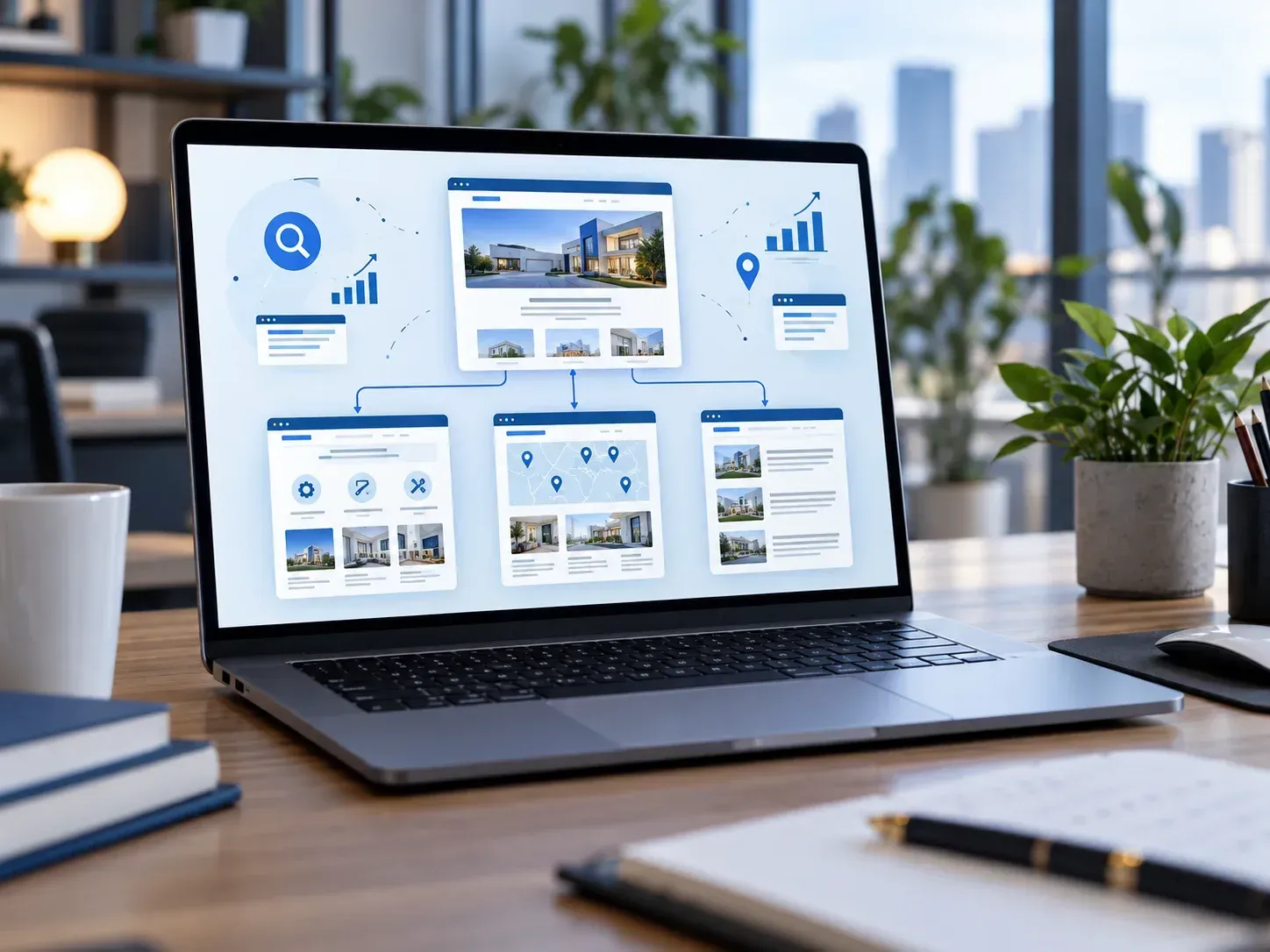
Your website might have a main digital marketing services page with links to individual pages explaining each service. Your blog content can then link back to those service pages when the topic is relevant.
This creates a clear structure.
A blog about improving local rankings could link to your local SEO page. An article about slow websites could link to your web development page. Over time, these connections help create groups of related content.
The words used in a link can also provide context. This is often called anchor text. Instead of using vague phrases such as “click here,” descriptive anchor text can help visitors understand what they will find after clicking.
For example:
“Learn more about our local SEO services.”
That is much clearer than:
“Click here to learn more.”
However, you do not need to force the same keyword into every link. Keep anchor text natural and useful.
3. Internal Linking Can Turn Blog Traffic Into Leads
Getting someone to read a blog post is good.
Getting that person to take the next step is better.
Blog content often attracts visitors who are researching a problem. They may not be ready to call the moment they land on your website, but they are already looking for information related to your services. Internal links can move those visitors deeper into your site.
Imagine someone searches:
“Why is my website not showing up on Google?”
They find your blog explaining common local SEO problems.
Within that article, you might link to your local SEO service page, Google Business Profile service page, or website audit offer.
The visitor can move naturally from:
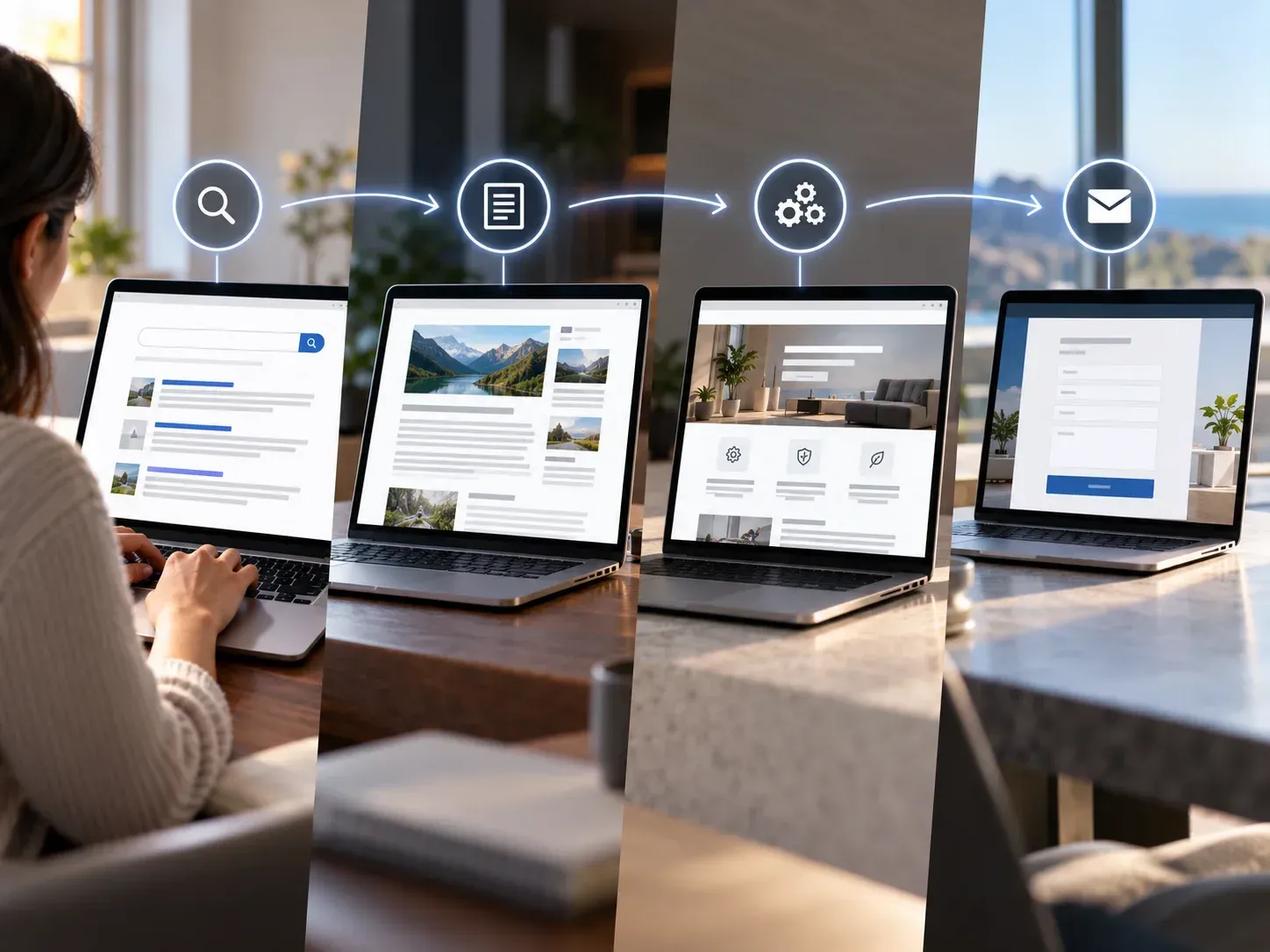
Problem → Helpful Information → Service → Contact
That path matters. Without internal links, the person may finish reading and leave. They may even return to Google and click on a competitor.
A well-placed internal link gives them somewhere useful to go next. This is one reason SEO content should not exist by itself. Every blog post should be part of a larger website strategy.
4. Where Should Local Businesses Add Internal Links?
You do not need to add dozens of links to every page.
Focus on links that genuinely help the visitor.
Start with your most important pages. These are often the pages connected directly to your services and lead generation goals.
Look for opportunities to connect:
- Blog posts to relevant service pages
- Service pages to related services
- Location pages to important services
- Blogs to other helpful blog posts
- Homepage sections to main service pages
- FAQ answers to deeper resources
- Older articles to newer content
- New articles to established pages
You should also review older content.
Many businesses publish blogs for months or years without returning to update them. Those older articles may already receive traffic but contain few links to newer service pages or resources.
Adding useful internal links to older content can strengthen the overall structure of your website.
Avoid Overdoing It
More links are not automatically better.
A paragraph filled with links can become distracting. It can also make your content harder to read.
Instead, ask a simple question:
Would clicking this link genuinely help someone understand the topic or take the next step?
If the answer is yes, the link probably belongs there.
If you are adding it only because you want another keyword on the page, it may not be necessary.
5. Build a Website Where Every Page Has a Purpose
Internal linking works best when your website already has a clear structure.
Your homepage should introduce the business and guide visitors toward major services. Service pages should explain what you offer. Location pages should provide useful information for customers in specific areas. Blog posts should answer questions and connect readers with relevant solutions.
These pages should work together instead of operating like separate pieces.
For local businesses, this can create a stronger path from Google search to conversion.
A potential customer might discover your company through a blog, move to a service page, read about your process, check your reviews, and finally request a quote.
Internal links help make that journey possible.
Internal Linking FAQ
How many internal links should I add to a blog post?
There is no perfect number. Add links where they naturally help the reader. A useful 1,000-word article may have several internal links, but relevance matters more than quantity.
Should I link every blog to a service page?
If there is a service directly related to the topic, it often makes sense. Avoid adding unrelated service links just to promote them.
Can internal linking improve local SEO?
Internal linking can support SEO by helping search engines discover pages, understand site structure, and recognize relationships between related topics.
Should I update old blog posts with new links?
Yes. Older content can be a great place to add links to newer articles, services, or resources that did not exist when the original post was published.
Can internal links help generate leads?
Yes. They can guide visitors from informational content toward service pages, contact pages, quote forms, and other conversion-focused areas of your website.
Connect Your Content and Create a Better Path to Your Business
Publishing more content is not always the answer.
Sometimes, your website already has valuable pages. They simply need to work together better.
Strategic internal linking can make your website easier for visitors to explore and easier for search engines to understand. More importantly, it creates clear paths from helpful content to the services your business wants to sell.
At Impact Layton SEO, we help local businesses build websites and SEO strategies around more than rankings. The goal is to attract the right people, guide them through the website, and give them a clear reason to contact your business.
If your website has plenty of pages but they feel disconnected, an SEO and website review may uncover opportunities you are missing.
Request your free website and SEO audit from Impact Layton SEO and find out where your site can become stronger.
Check out our ways of managing Google Business Profiles, Websites, and help with Google Ads
Ready to work with My Agency Site?
Let's connect! We’re here to help.
Send us a message and we’ll be in touch.
Or give us a call today at 111-222-3333
Agency Contact Form
More Marketing Tips, Tricks & Tools